


















Navigation patterns for product and marketing sites

31 published examples

How to design a Navigation section

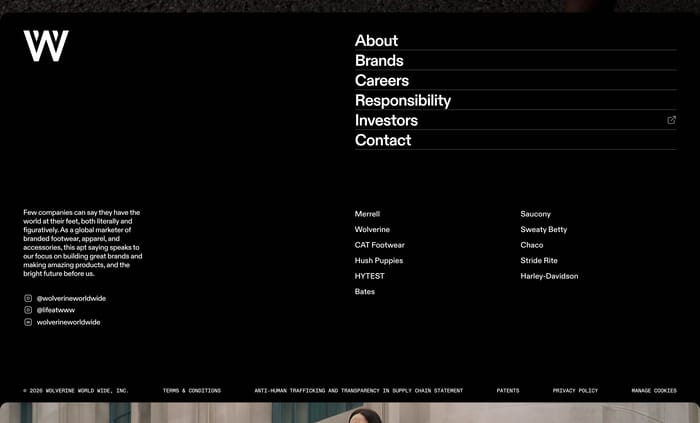
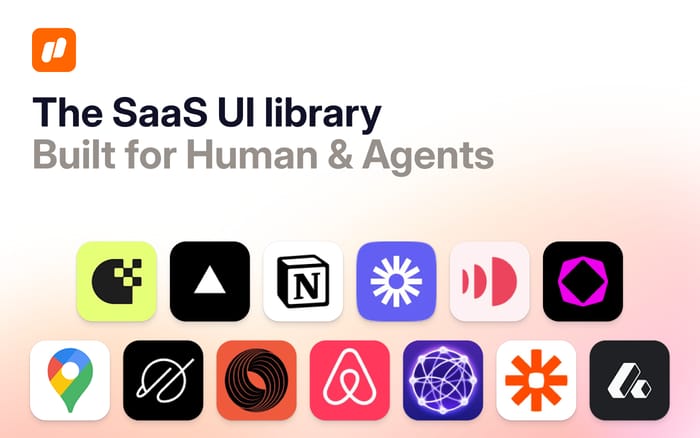
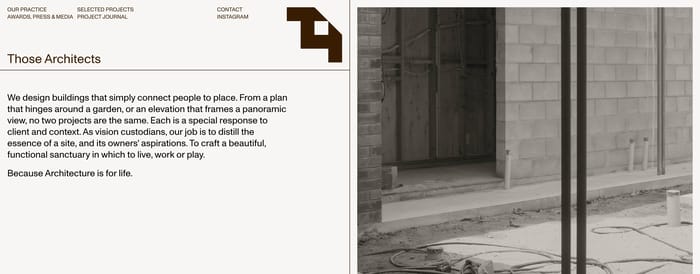
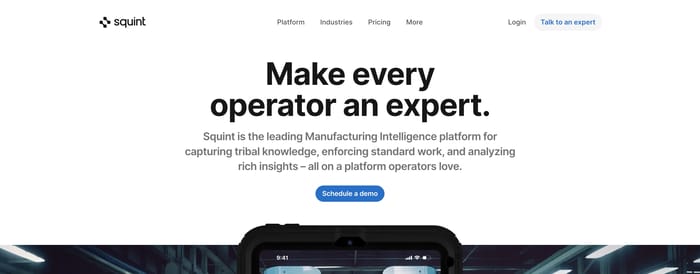
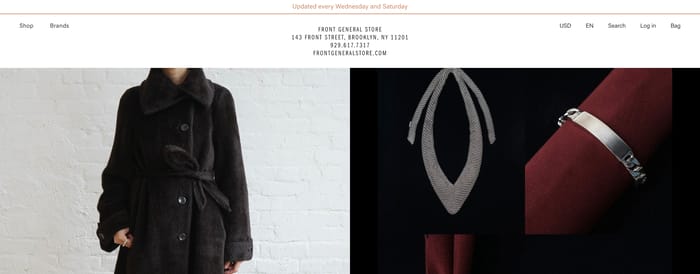
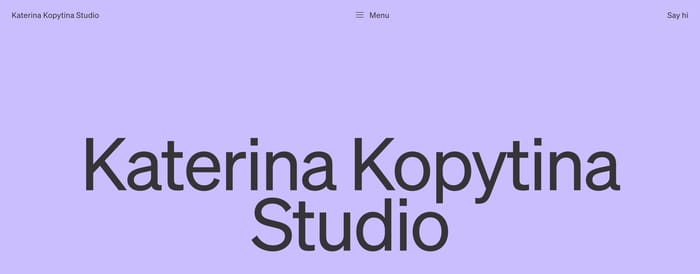
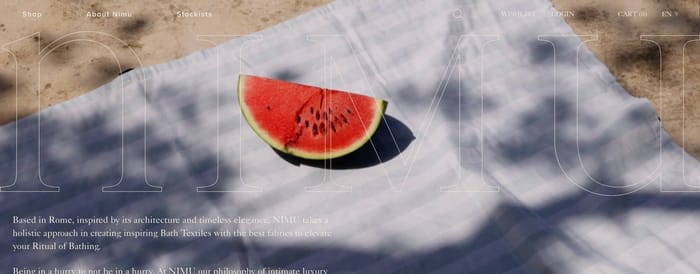
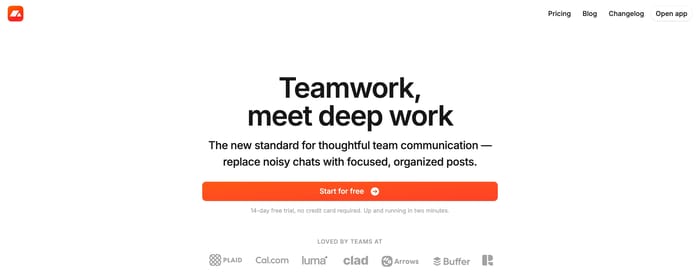
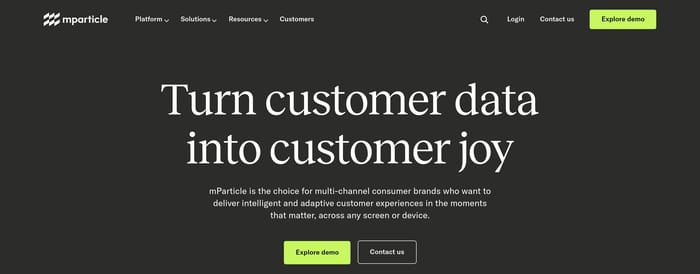
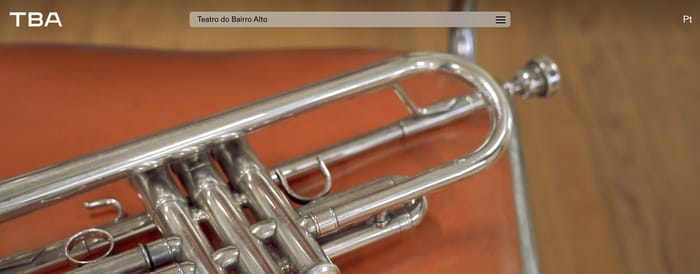
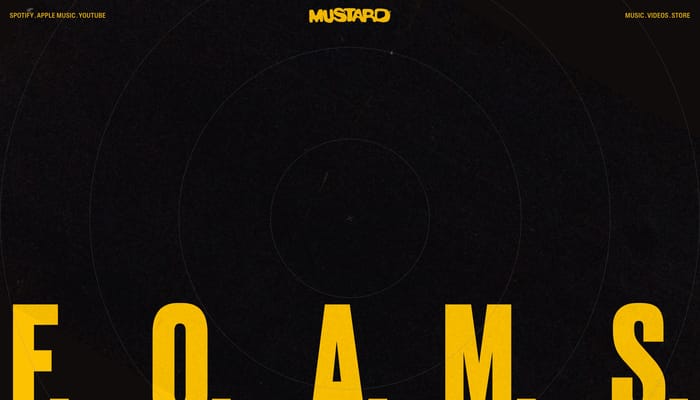
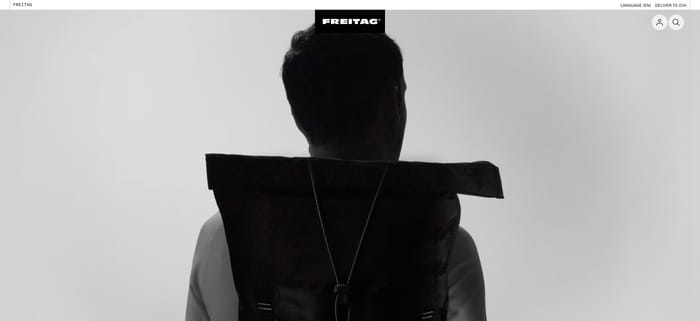
I tend to read a nav at 80% zoom and ask one question: can I name the product and the next step in under two seconds? If the logo, destinations, and action compete for the same visual weight, none of them win. Filled buttons work when the rest of the bar stays quiet; they fail when every link is already shouting. Centered wordmarks look confident until the link list on the left and the utilities on the right get out of balance—then the brand starts to feel like leftover space. Commerce icons are cheap to add and expensive to scan; three identical outline glyphs next to a wordmark is a smell. Watch contrast on photography and translucent bars. A nav that only works on a pale hero is not a system. Also test the collapse: if five peer destinations become a hamburger with no priority, you have not designed a small-screen nav, you have hidden the IA.

Navigation design questions

How many destinations should sit in the primary bar?

Enough to name the main product areas, and no more. Four to six peer labels is the range most of these bars can carry before they start to look like a sitemap. If a seventh item is a true peer, the bar is the wrong container. If it is a subset, nest it. If it is an action, make it a button instead of another text link.

When is a full-screen menu better than inline links?

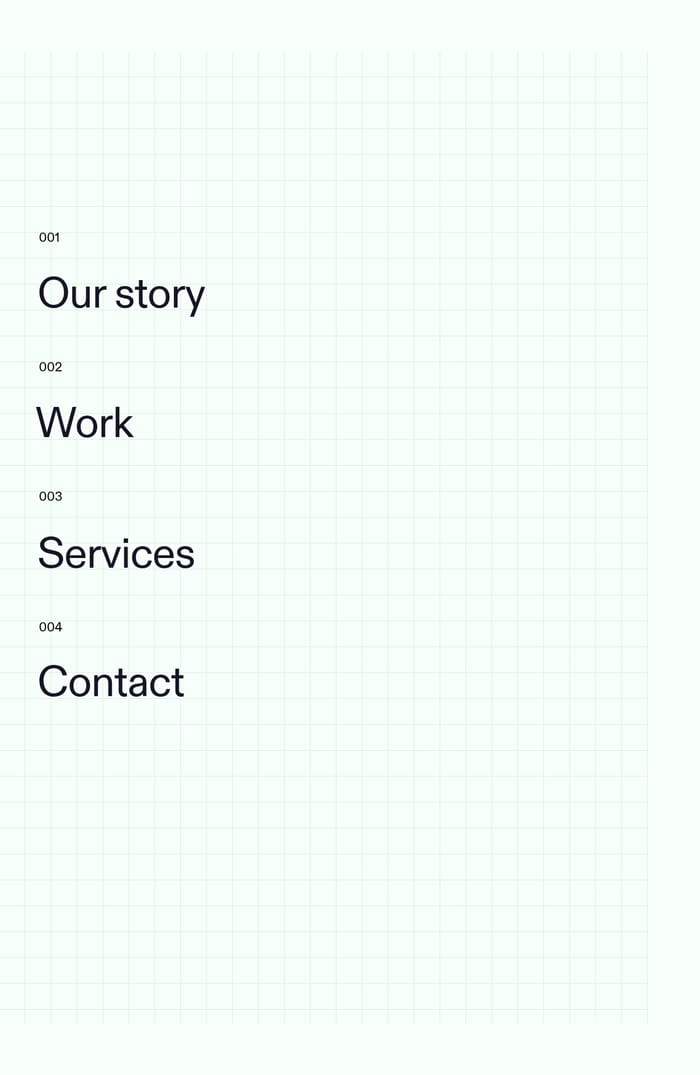
When destinations are long, branded, or need supporting lists underneath them. Stacked full-bleed labels give each item room to be a chapter, not a chip. Inline links win when people already know the nouns and just need to hop. A giant menu that only repeats five short words is theater.

What should live in secondary navigation instead of the header?

Local or supporting paths: a studio’s project filters, a section index, language or legal switches that do not define the product. Secondary nav orients people inside a cluster. If a link would still make sense on every page, it probably belongs in the primary bar.

Unlock premium section designs

Go Pro to get instant access to 31 premium section designs + exclusive features

Filter by website type

Related section categories

Curating the internet’s finest.